Your company and plan
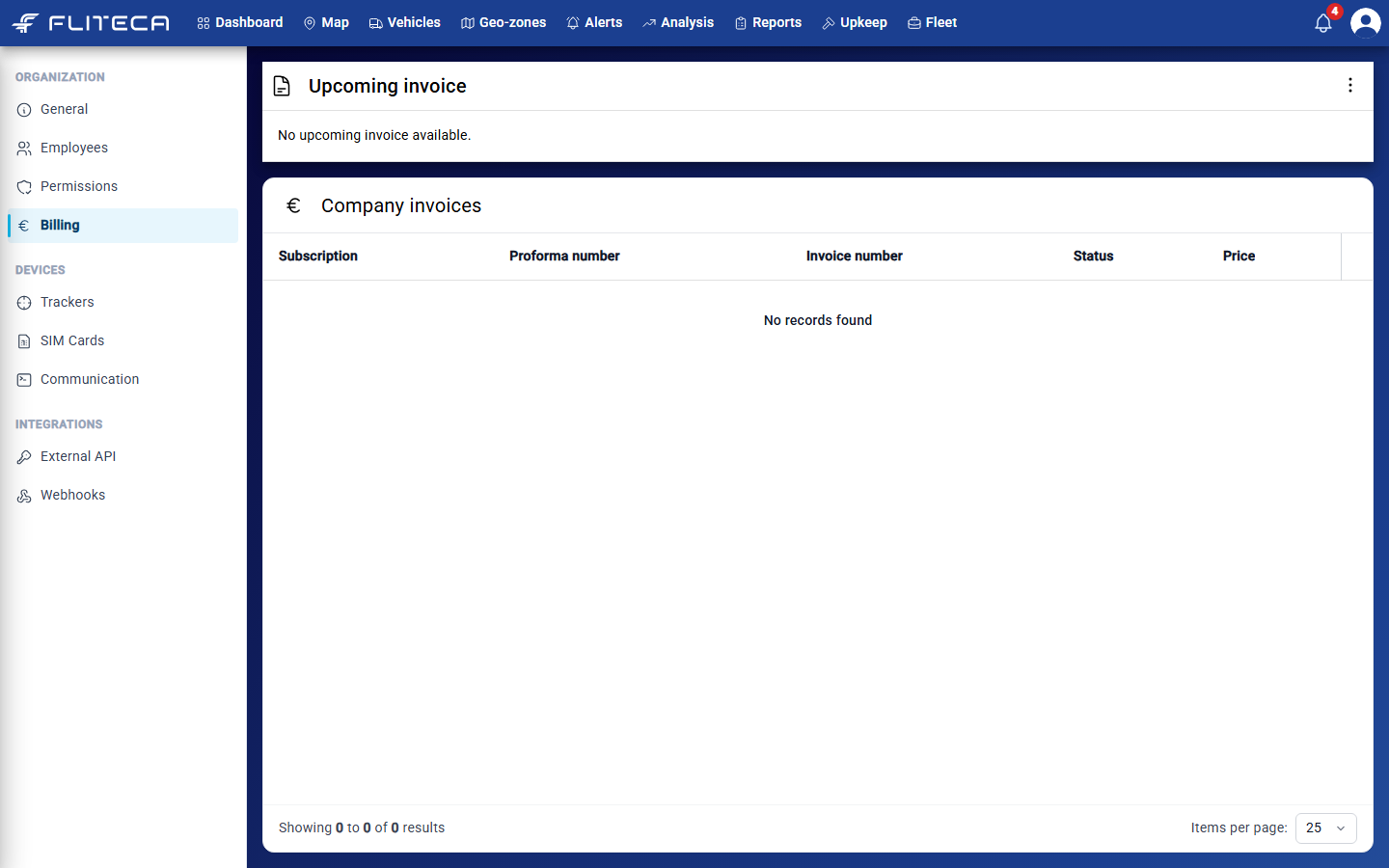
When you go to the Fleet page, the first view you see is the General page, which shows your plan, your company details and how much data your trackers send. The Billing page shows your invoices.
The General page
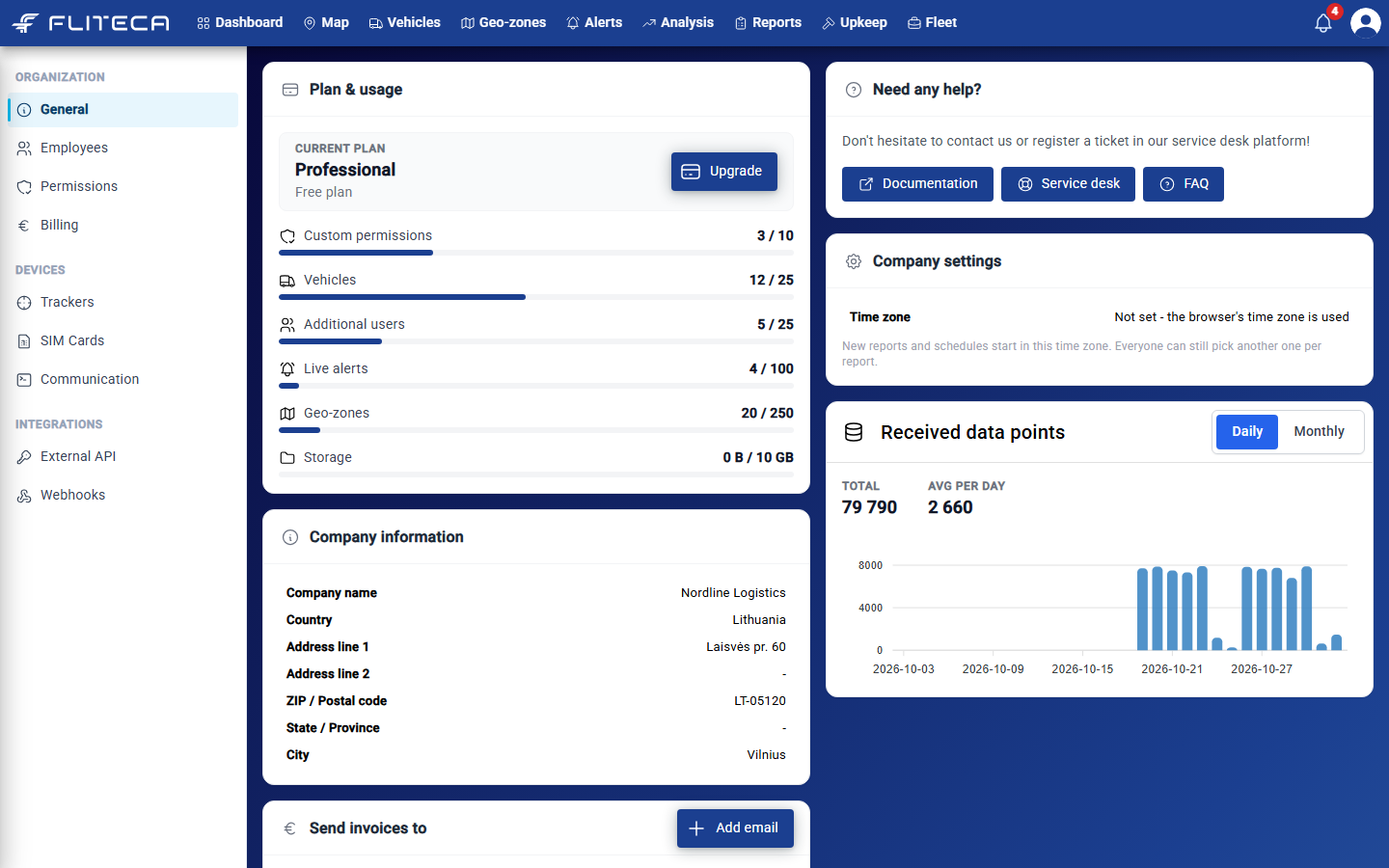
Plan & usage – your plan and how much of it you use: vehicles, users, live alerts, geo-zones and more. Click Upgrade to see the other plans.
Need any help? – links to this documentation, the service desk and the FAQ.
Company settings – the company Time zone. New reports and schedules use it.
Received data points – how many messages your trackers sent, per day or per month.
Company information – the name and address that appear on your invoices.
Send invoices to – the email addresses that get your invoices.
Change your company details
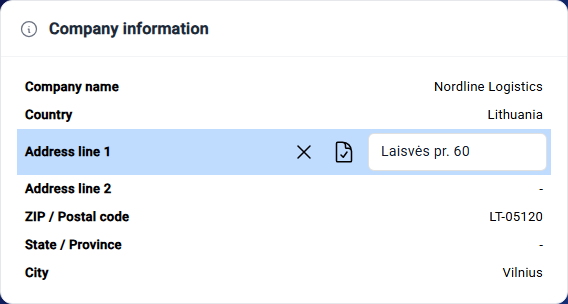
Point at a row, for example Time zone or Address line 1.
Click the pencil that appears on the right.
Change the value and click the save icon. Click the cross to cancel.
Get invoices by email
In Send invoices to, click Add email. An empty row appears.
Type the email address and click the save icon next to it.
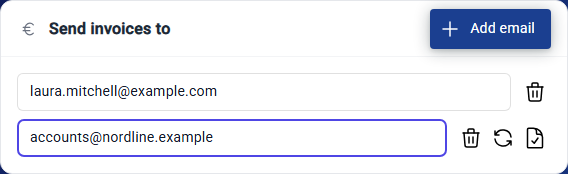
To change an address, type over it and click the save icon. The round arrow undoes your change. To stop sending invoices to an address, click the bin.
Add more than one address if both you and your accountant need the invoices.
Note
If the list is empty, Fliteca does not email your invoices. You can still find them on the Billing page.
Invoices and your subscription
The Billing page has two parts:
Upcoming invoice – what your next invoice will be. Click the three dots to upgrade or cancel your subscription.
Company invoices – all your invoices with their number, status and price.