Finding your way around
The main navigation through the Fliteca application is done via the top blue navigation bar. You can use it to move between the parts of the app.
Notifications
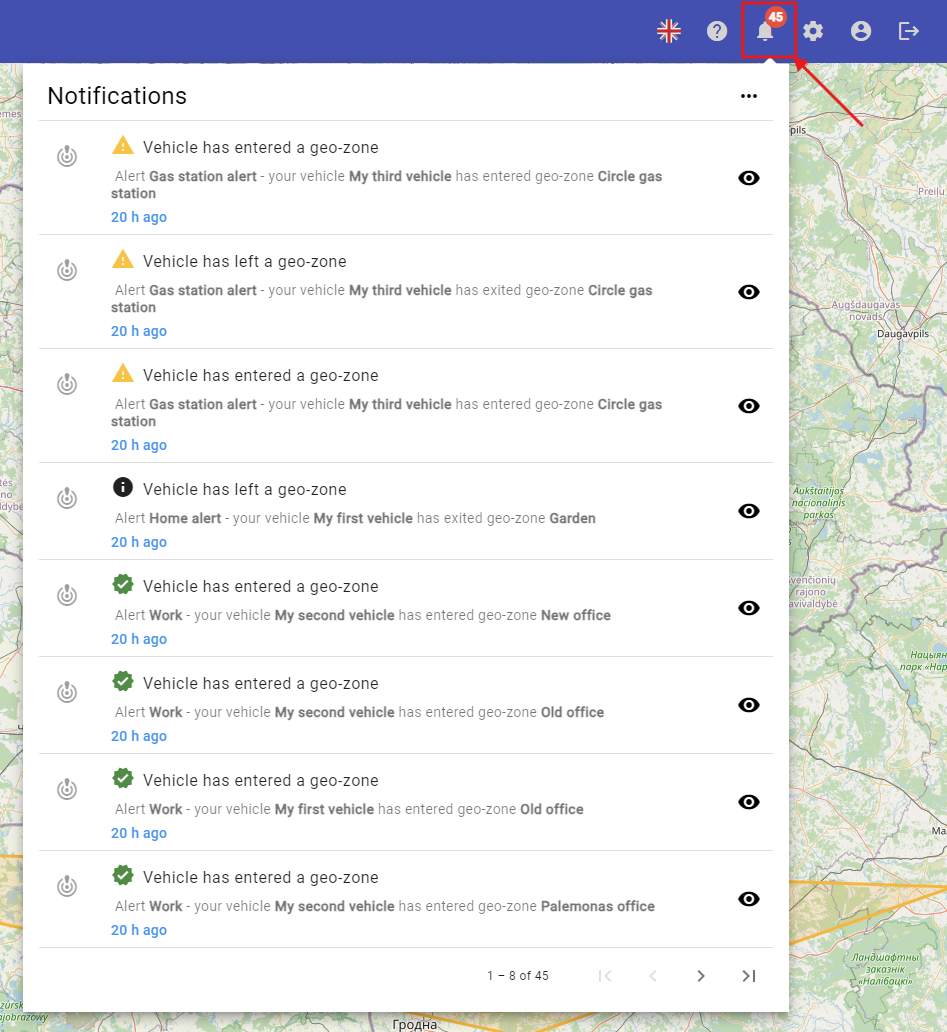
The bell in the top-right corner shows new notifications. A red number tells you how many you have not read yet.
Click the bell icon to open the notification list, for example when a vehicle enters a geo-zone or when a colleague accepts an invitation. Click the eye next to a notification to mark it as read.
Your profile menu
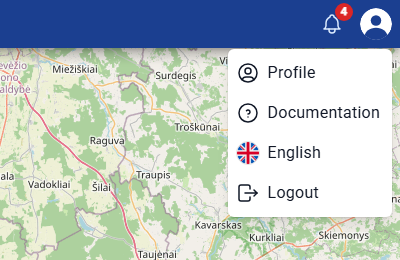
Click your photo in the top-right corner to open your profile menu:
Profile – your personal settings. See Your profile and settings.
Documentation – opens this documentation.
English – change the language of the app.
Logout – sign out.